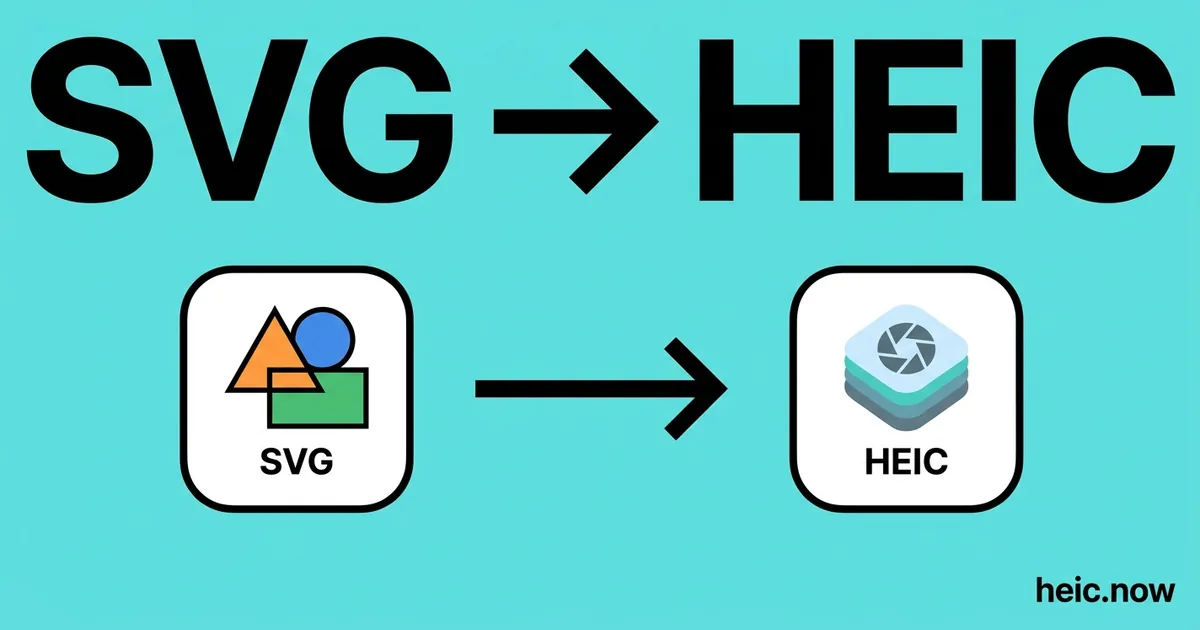
Convert SVG to HEIC Online
Rasterize SVG vector graphics to compact HEIC images.


Drop your SVG file here
or click to select
How SVG to HEIC works
Upload SVG
Drag & drop or click to select your SVG file.
Choose Options
Adjust quality, size, or other output settings if needed.
Download HEIC
Click Convert and your HEIC file downloads instantly.
About SVG to HEIC conversion
SVG (Scalable Vector Graphics) is an XML-based vector format - Images are defined as mathematical shapes rather than pixels. This means SVG files can be scaled to any size without losing sharpness. Converting SVG to HEIC 'rasterises' the vector data: the shapes are rendered at a specific pixel resolution and encoded with HEVC compression into a fixed-size bitmap image.
The typical reason to convert SVG to HEIC is fitting vector artwork into an Apple-native raster pipeline: an asset library in Photos, an iOS app workflow, or simply a space-efficient raster copy of a logo. Because HEIC supports alpha transparency, the transparent background common in SVG artwork is preserved - A genuine advantage over rasterising to JPG, which flattens transparency to white.
Resolution matters. If you convert at small dimensions (e.g. 200×200 px) and later need the image large, the result will be blurry - The vector scalability is gone once rasterised. Set the output dimensions to match your intended use, and keep the SVG source for future re-renders at other sizes.
Where HEIC comes from
SVG (Scalable Vector Graphics) was developed by the W3C SVG Working Group from 1998 onward, with the 1.0 Recommendation arriving in September 2001 and SVG 1.1 in 2003. It was designed as an XML-based, DOM-accessible alternative to proprietary vector formats like Adobe Illustrator AI and Macromedia Flash. Browser support was uneven until 2011 when IE9 finally shipped it, after which SVG became the dominant format for logos, icon systems (Material, FontAwesome), data visualization (D3.js), and responsive UI illustrations. Apple's Photos app and many asset pipelines still want a fixed raster, and HEIC is the Apple-native way to get one — with the SVG's transparency intact and files half the size of a JPG.
SVG vs HEIC at a glance
| SVG | HEIC | |
|---|---|---|
| Compression | XML text (gzippable to SVGZ) | HEVC intra-frame raster |
| Scalability | Infinite (vector) | Fixed pixel grid |
| Typical file size | 5-80 KB depending on path count | 50-400 KB at chosen raster size |
| Transparency | Full alpha plus CSS opacity | Full alpha channel preserved |
| Best for | Logos, icons, illustrations, charts | Apple Photos, iOS assets, compact previews |
Real-world workflow — Design team rasterizes a Figma-exported logo for an Apple-first brand kit
- Export the brand logo from Figma as SVG with outlined fonts (no missing-glyph risk).
- Open the SVG to HEIC converter and set the output canvas to 2048x2048.
- Keep the transparent background — HEIC carries the full alpha channel, unlike JPG.
- Render at 2x supersample, downscale with Lanczos, save at quality 90 for clean anti-aliased edges.
- Drop the HEIC into the shared iCloud brand folder, where every Mac and iPhone previews it natively.
Recommended conversion settings
| Use case | Settings |
|---|---|
| Brand kit master 2048x2048 | Quality 90, 2x supersample, keep alpha |
| iOS asset preview | Quality 85, render at device pixel ratio (2x or 3x) |
| Pixel-exact logo archive | Lossless HEVC, 4:4:4 chroma, keep alpha |
| Compact chart snapshot | Quality 80, 1600 px wide, strip metadata |
Where will your HEIC file open?
| Platform | SVG | HEIC |
|---|---|---|
| macOS Preview | ✓ | ✓ |
| Windows Photos | ~ | ~ |
| Outlook (desktop) | ✗ | ✗ |
| Gmail | ~ | ~ |
| iPhone Photos | ~ | ✓ |
| Android gallery | ~ | ~ |
| Photoshop | ✓ | ✓ |
| Chrome / Safari / Firefox | ✓ | ~ |
| Slack / Discord | ~ | ✗ |
When to convert SVG to HEIC
Converting SVG to HEIC is a common workflow requirement wherever different software systems, platforms, and applications need to exchange image or document content. Whether you are preparing files for web publishing, print production, client delivery, or meeting upload requirements, having the right format is the starting point for every distribution workflow.
SVG files are tied to specific software ecosystems and tools. When that content needs to move into a context that requires HEIC - A different editing environment, a submission portal, a print service, or a sharing platform - A fast, reliable converter removes the format barrier without requiring software installation or technical knowledge.
heic.now processes your file securely in the cloud and returns a clean HEIC output that meets the format specification of standard applications and platforms. Files are processed privately and automatically deleted after 24 hours - Nothing is stored beyond what is needed to complete your conversion.
SVG to HEIC tips
- Set output width/height to at least 2× your intended display size for crisp results on high-DPI (Retina) screens.
- Transparent SVG backgrounds are preserved in the HEIC output - No background fill is required.
- Remember HEIC is lossy: for graphics with fine lines and sharp text, quality 90%+ keeps edges clean, or use PNG for a fully lossless raster.
- Keep the original SVG - Once rasterised, the artwork can no longer be scaled without quality loss.
Related tools
Formats involved
SVG – Scalable Vector Graphics
HEIC – High Efficiency Image Container
SVG to HEIC — frequently asked questions
Related guides & articles
Maybe you wanted something else?
- If the raster must open on non-Apple machines → HEIC to JPG
- If you need a lossless raster with alpha everywhere → HEIC to PNG
- If you need a print-ready container → HEIC to PDF
- If a favicon is the goal → HEIC to ICO
Related conversions
 JPG → HEIC
 PNG → HEIC
 WebP → HEIC
 PDF → HEIC
 RAW → HEIC
 TIFF → HEIC
 BMP → HEIC
 GIF → HEIC
 HEIC → HEIC
Embed this tool on your website